Windows desktop · by Axtropy
Apex, the Lords Mobile bot
for whole fleets
Most bots automate one account at a time. Apex runs your whole fleet from a single console — grouped by tag, resources totalled live, and stalled accounts restarted without you watching.
- Accounts per console
- Unlimited
- Stall recovery
- Automatic
- Settings reload
- No restart
- Platform
- Windows
The part nobody advertises
Running a bot is easy. Keeping one running is the actual job.
Every tool in this category will sell you a list of forty automations. None of them will tell you how their software behaves at 3am on the day after a game update — which is the only thing that decides whether your fleet earns anything.
01
It stops and nobody tells you
An account trips on a changed screen and quietly retries the same failed tap for two days. You find out when the resources don't arrive.
02
New accounts never leave the tutorial
You add ten fresh farms. A week later they're all still castle level 1, and none of the automation you paid for has anything to work with.
03
One account at a time
Twenty accounts means twenty windows, twenty settings files, and no way to see what the whole operation is actually producing.
The console
Your whole operation on one screen
Accounts grouped the way you actually think about them — farms, banks, mains — with the numbers that matter totalled across the fleet instead of buried one account deep.
Apex — Fleet
| Account | Status | Castle | Might | Current step |
|---|---|---|---|---|
| Banks | ||||
| AXP-Bank-01 | Running | 25 | 4.21M | Guild bank deposit |
| AXP-Bank-02 | Running | 25 | 3.98M | Cargo ship |
| Farms | ||||
| AXP-Farm-14 | Running | 17 | 812K | Gathering — stone L5 |
| AXP-Farm-15 | Recovering | 9 | 104K | Restarted — step stalled |
| AXP-Farm-16 | Running | 16 | 744K | Monster hunt — L4 |
| Mains | ||||
| AXP-Main | Stopped | 35 | 128M | Stopped by operator |
Food
0.0M
Stone
0.0M
Timber
0.0M
Ore
0.0M
Tag grouping
Group by role, not by import order. Collapse what you're not looking at.
Aggregate resources
Fleet-wide totals, so you can tell whether last night was good without opening anything.
Direct control
Start, stop or reload any account — or a whole tag — from the same screen.
What makes Apex different
It notices when something breaks, and fixes it
Not a marketing word. Three specific, verifiable behaviours that exist because running a fleet at scale surfaced these exact failures.
Stalled accounts restart themselves
A bot that silently stops is worse than one that crashes — you only notice days later. Apex watches every account's current step and its castle level together. If the step hasn't moved and the level hasn't changed, that one account restarts. Three attempts, then it's flagged for you instead of looping forever.
Corroborated against real progress, not just an idle screen — an account waiting on resources is not a stuck account.
New accounts actually progress
Fresh Lords Mobile accounts ship with an empty tutorial action table. The handlers all exist, but nothing ever dispatches them, so the account sits at castle level 1 forever no matter which bot you point at it. Apex rebuilds that table on first sight — 83 steps, bound automatically.
Verified on accounts that had been idle indefinitely: they resumed and reached castle 30 with zero manual taps.
Settings apply without a restart
Most tools load an account's settings once at launch, so changing anything means restarting the account and losing whatever it was mid-way through. Apex calls the reload directly inside the running process. The change takes effect on the next cycle.
No mouse macros, no window focus, no coordinate calibration.
Automation
What Apex runs while you're not looking
Table stakes, listed honestly. Everything below works today — nothing here is on a roadmap.
Resources
- Auto gather by resource type and tile level
- Guild bank deposits and transfers
- Cargo ship runs
- Treasure trove and VIP chest collection
Growth
- Building queue and upgrades
- Research queue
- Troop training and healing
- Turf, admin and guild quests
Combat
- Monster hunting by level and energy floor
- Darknest rally-fill on a /rally guild-chat command
- Shelter and shield management
- Hero stages and Colosseum
Operations
- Tag grouping across the whole fleet
- Per-account SOCKS proxy
- Start, stop and reload any account from the console
- Settings changes applied without restarting the account
Getting started
Three steps, then stop babysitting
- 01
Install on Windows
One installer, no console window, no emulator wrangling to get started. Apex runs on your machine — your account credentials never pass through us.
- 02
Add and tag your accounts
Import accounts, assign a proxy per account if you use them, and group them by tag — farms, banks, mains, whatever your operation actually looks like.
- 03
Set it running and stop watching
Start the fleet, watch aggregate resources climb in the console, and let the watchdog handle the accounts that trip. You intervene when Apex flags something, not on a schedule.
Straight answers
The things other bot sites won't put in writing
You are about to trust software with accounts you have spent real money and years on. That deserves a straight answer, not a badge.
Read the full ban-risk guide- Can Apex get my account banned?
- Yes. Automation breaks Lords Mobile's terms of service and IGG does ban for it. Anyone telling you their bot is undetectable is guessing, or lying.
- So why is there no safety percentage on this page?
- Because we cannot measure one. A number we can't stand behind is worth less than an honest sentence, and you deserve to price the real risk before you spend anything.
- Where are the testimonials and the user counter?
- Not here until they're real. When we have customers willing to be named, we'll name them.
Pricing
Priced per fleet, not per feature
Every plan gets every automation. What changes is how many accounts you run — because that's the only thing that actually costs us more.
Squad
$12/month
Up to 5 accounts
For running a handful of farms alongside your main.
- Every automation feature
- Tag grouping and aggregate resources
- Automatic stall recovery
- Updates included
Fleet
Most operators$39/month
Up to 25 accounts
The tier the console was designed around.
- Everything in Squad
- Per-account proxy routing
- New-account progression repair
- Priority fixes after game updates
Operation
From $99/month
100+ accounts
For people whose bot fleet is the business.
- Everything in Fleet
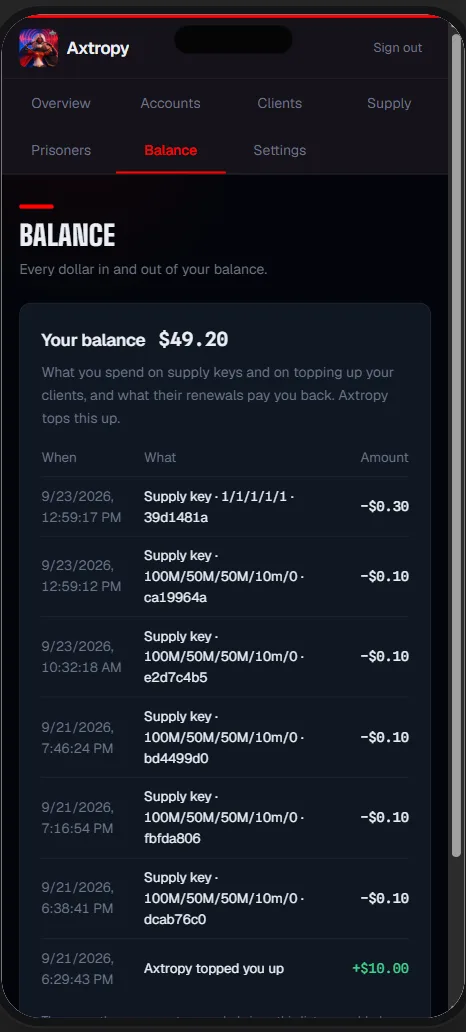
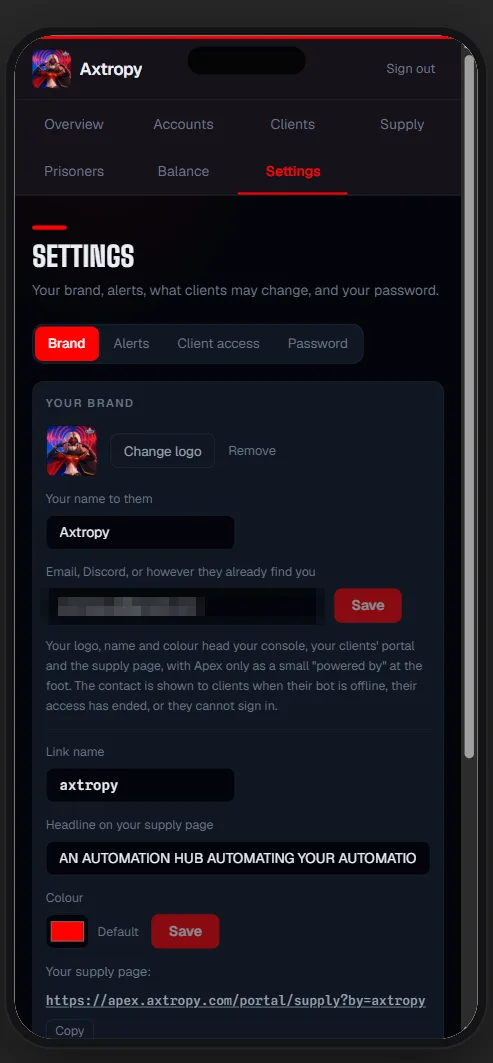
- Client portal — your customers tune their own accounts
- Direct line for breakage
- Volume pricing per account
FAQ
Questions worth asking before you buy
Can my account get banned for using Apex?
Yes. Any automation breaks Lords Mobile's terms of service, and IGG does ban accounts for it. Nobody selling you a bot can honestly promise otherwise, and we won't print a safety percentage we cannot measure. What we can tell you is what actually raises your exposure and what people do to reduce it — that's written up in full in our ban-risk guide.
Is there a free version of Apex?
No. Apex is paid from the first account. Free tiers in this category are usually a crippled build built to upsell you, and supporting a fleet tool properly costs money — particularly the work of fixing things quickly after a game update.
How many accounts can Apex run at once?
There is no cap in the software; the practical limit is your machine and your network. The console was built for fleets rather than for one or two accounts, which is why it groups by tag and totals resources across the whole fleet instead of showing you one account at a time.
Does Apex work on Mac, Android or iOS?
No. Apex is a Windows desktop application. We would rather do one platform properly than claim four and support none of them well.
What happens when Lords Mobile updates?
Game updates break bots — every bot, ours included. What differs between tools is how fast the fix lands. Apex's stall detection also limits the damage in the meantime: accounts that trip on a changed screen restart themselves rather than sitting dead until you notice.
Do I need a proxy for every account?
Not required, but supported per account via SOCKS. Whether you need them depends on how many accounts you run and from where — the multi-account setup guide covers what we actually recommend.
Can Apex level a brand-new account from scratch?
Yes, and this is one of the few places Apex genuinely differs. Fresh accounts have an empty tutorial dispatch table, which is why they sit at castle level 1 under most bots. Apex rebuilds that table so new accounts progress on their own.
How is this different from a cloud bot panel?
Cloud panels run on someone else's server, which means your account credentials live there too, and you are limited to whatever the panel exposes. Apex runs on your machine. Your credentials stay local, and you own the uptime rather than renting it.
Stop watching your bots. Start running a fleet.
Windows desktop. Your accounts stay on your machine. Cancel whenever it stops earning its keep.